IMPORTANT
The Dr. Dish Home3 does not use a membership. All software features are available immediately and permanently for all players who use that machine.
Learn which Dr. Dish machines utilize a membership here!
_______________________________________________________________________________
Purchasing a Membership
If you do not already own a membership you will need to purchase one when using the Dr. Dish Home and Home2. You can purchase a Dr. Dish Membership here!
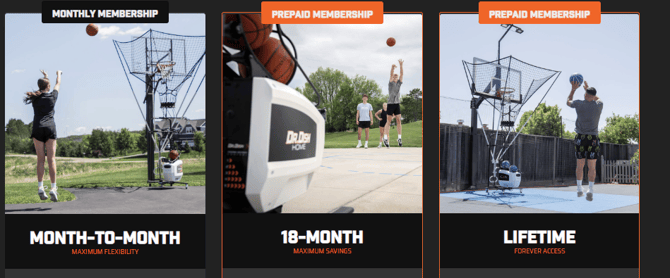
Select a monthly, 18 month or Lifetime option.
Once you have purchased a membership you will receive an email to create an account. Once you have created an account you can add and remove members, update payment information and see billing history.
Reactivating a Previously purchased membership
If you previously had a membership and cancelled it you can reactivate it by going to members.drdishbasketball.com. After logging in, select membership on the left navigation.

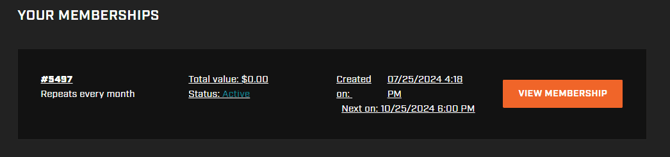
Then select view membership.
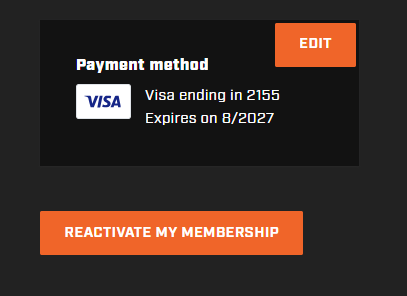
Scroll down and click on the "Reactivate My Membership" button located in the bottom right corner of the screen. Additionally, ensure that your payment information is current and has not expired.